TL;DR:
Sharing large files is a major pain point for hosting LAN parties. Existing solutions require configuration ahead of time, or are too slow. LANBucket uses distributed transfers to provide high performance, low friction, file sharing specifically tuned for LAN parties.

Why I built LANBucket
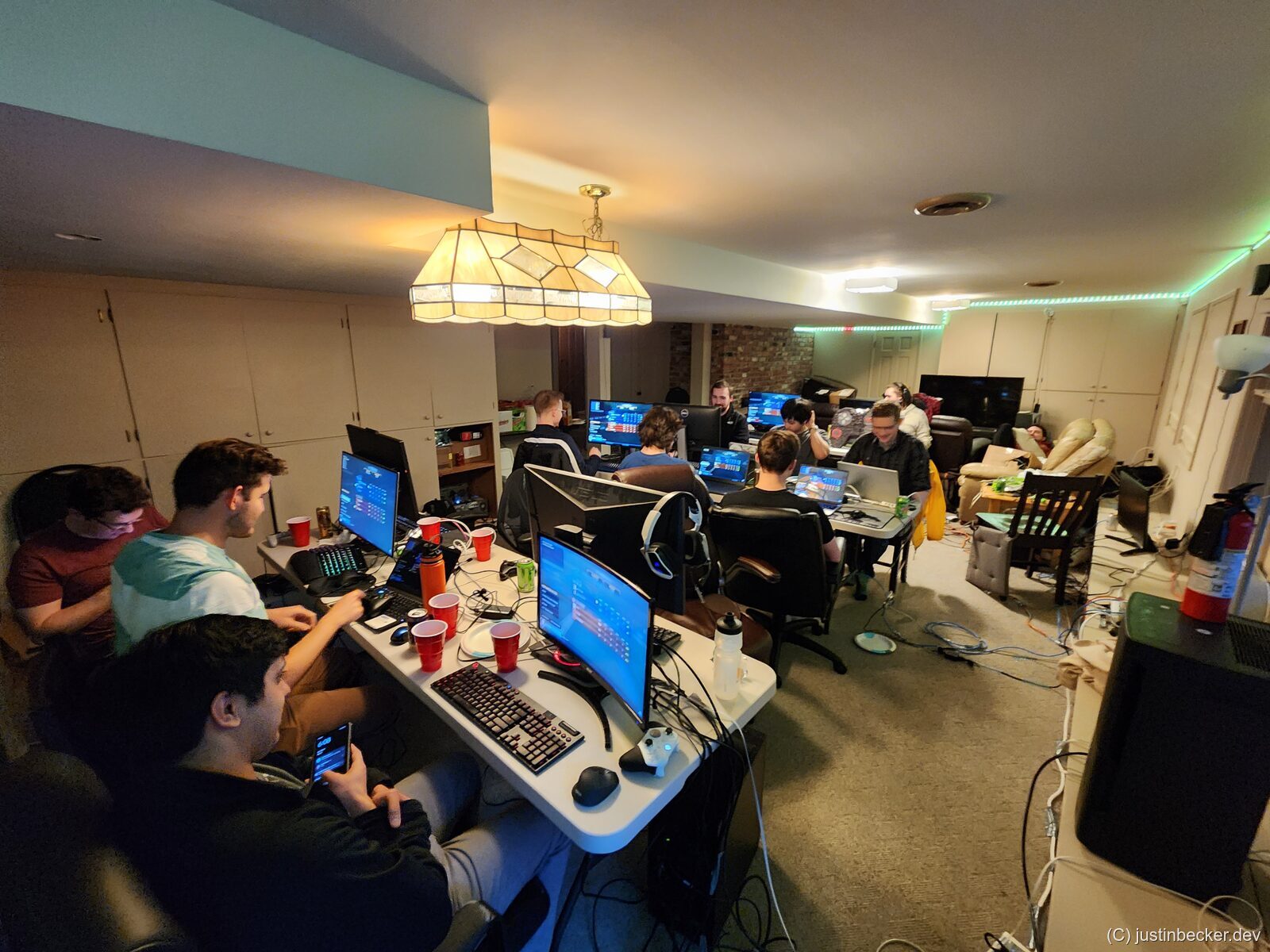
LAN parties have always been a big part of my life. Over the last 15 years I have run at least a dozen of them. A lot has changed in that time as commodity hardware has gotten dramatically better. I remember distinctly that when we were first throwing these things in my friend’s dingy basement, the biggest problem was underpowered laptops. We had to work really hard to find games that everyone’s computer could even manage to load, let alone play smoothly. That period gave me a huge appreciation for classic Win32 games: Command and Conquer: Red Alert 2, the Civilization series, the Age of Empires series, etc. These games, I feel, fundamentally respected the player in a way that modern live service games do not. All these years later, that’s still what we play at my LAN parties.

The perennial problem, is file distribution. Over the last decade I’ve tried many different techniques and none of them worked perfectly for my use case. I heard many suggestions over the years, and they always had some drawback. Many of you reading this are probably thinking of solutions right now. I assure you that if you thought of it in the last 30 seconds, I have tried it at some point over the last decade. My deeper frustration is this: in the brave new world of cloud computing, the most accepted, most frictionless way to move a file between two computers, even when those computers are sitting right next to each other, is to upload it to a data center halfway across the country and then download it back. I get why these retail cloud storage providers have proliferated. They are easy and they “do what it says on the tin”. But I find it intellectually dissatisfying that for a byte to travel six feet, it must first travel a thousand miles.
Solutions I’ve tried
The most obvious option is to tell everyone to download the games ahead of time. In some sense this is the most efficient option: you upload once, distribute a link, and your guests show up with everything already installed. As simple as this may sound, in practice I have discovered that almost no one will do this. Your players are already promising you a lot just to show up to your LAN party. The ones I threw when I was in high school were 24 hour events. Now that I am nearly 30, 12 hours is a more reasonable figure. Since this is an all day affair, it’s not super surprising that people don’t want to do homework before they arrive. It’s bad enough that I’m also asking my players to disassemble their desktop PCs to haul over. This is not a workable solution, at least not for the friends I have. If your friends are more conscientious, perhaps this will work for you.

The next, perhaps most obvious solution is to pass around a flash drive. In fact, if you have the cash on hand, you can just buy 16 of them. My LAN parties are about that scale. The largest I’ve ever held was 35 players, and the smallest I’ll do is something like eight. So you could buy a bunch of these things, copy the games onto them as zipped archives, and hand them out when guests arrive. While this does work, I find it very inelegant and rather annoying. You suddenly have this problem of needing to spend a bunch of time serially copying data onto these flash drives before the LAN party. And you also don’t have a lot of recourse if you make a mistake. This also is missing a certain social element that we’ll come back to later. In other words, if someone at the LAN party shows up with something that they think everyone else ought to have, even if it’s just a meme or something, it’s kind of a pain for them to flash that onto a flash drive and then run it around sneaker-net style to everyone at the party. There are other logistical concerns too with the flash drive idea, especially “inventory management.” If I buy 16 high-speed flash drives, I don’t want to lose them every single time I throw a party. If these things are going to be effectively disposable, they need to be really cheap, and cheap flash drives are absolutely miserable to deal with.
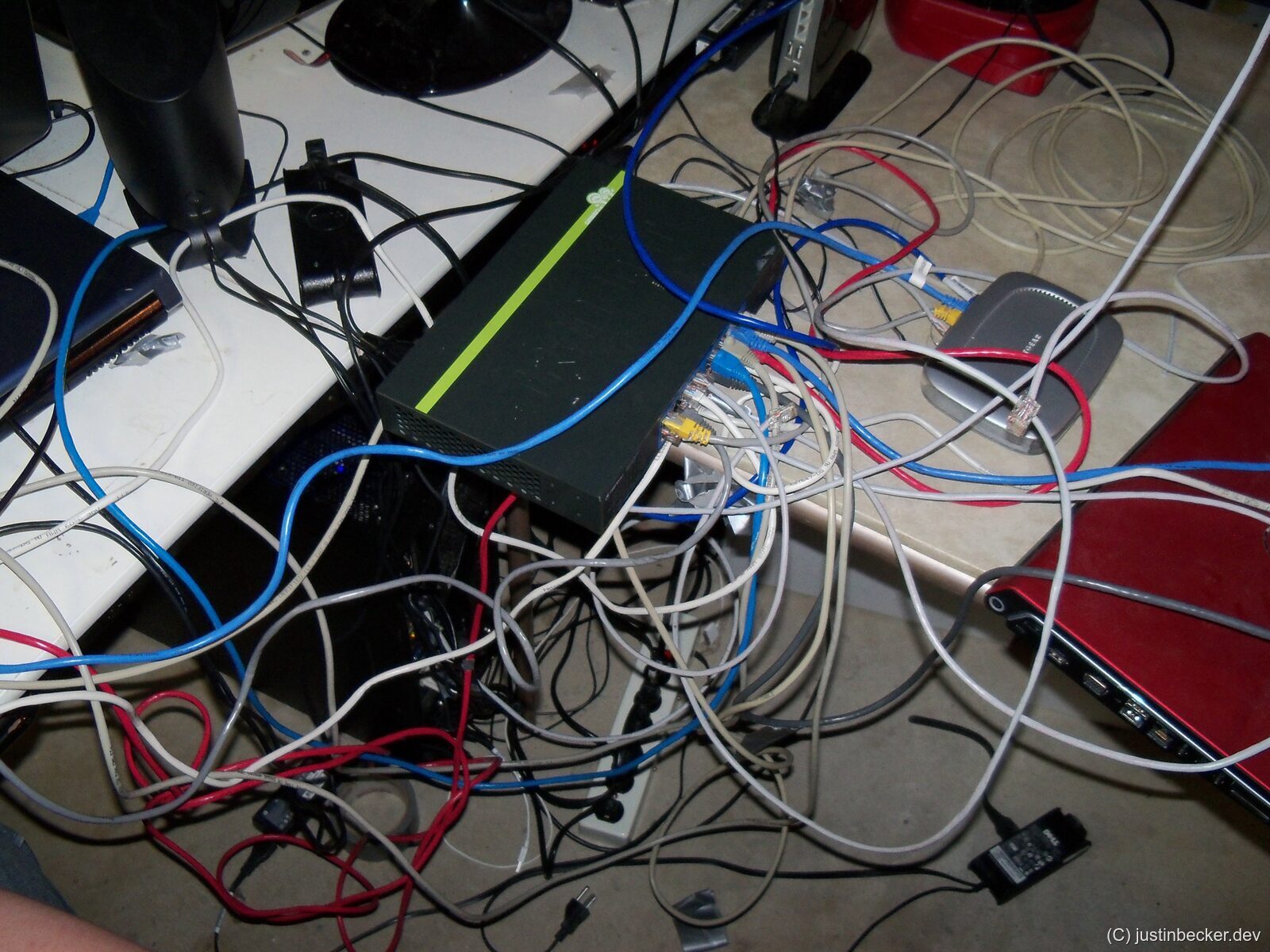
Another popular idea is to use cloud storage at the party itself: post the link and let everyone download while they’re sitting there. Internet speeds have come up a lot since I was in high school, and gigabit service is now fairly common. The problem is duplication. A 10 GB file shared with 16 people is actually 160 GB pulled across your internet connection. You’re also splitting that gigabit 16 ways, so each guest is effectively on a ~60 Mbps connection. (16 GB × 10 players) / 1 Gbps ≈ 21 minutes. For small files this might be fine, but games are big and the problem scales badly. There’s also a bootstrapping problem with this approach: how do I get the link to all of my players? You could use something like Discord or Facebook Messenger to send the link to everyone, but that also assumes that everyone is already connected on some social platform already. Ultimately, party planning is a social problem, not a technology problem, and convincing a group of highly opinionated nerds to use a particular platform ahead of time, especially a social platform that may or may not have data privacy concerns, is difficult and perhaps even intractable. So whatever solution we come up with needs to be zero configuration and require no accounts, no setup, no personally identifiable information, etc.
A solution I’ve tried a few times is hosting a tiny HTTP server on the LAN. Python’s built-in http.server works well for this, and there are plenty of similar tools. From the guests’ perspective it’s almost zero config, but it has a perhaps silly problem: you now have to tell all of your guests to type an IP address into their web browser. Now, you might think that the LAN-party-going population would find this natural, but what I’ve observed in practice is this ends up being a huge pain point. I have on multiple occasions gone player to player, typing the IP into their address bar for them. Your mileage may vary on this particular aspect, but this is just what I have observed over the years. Even after everyone’s connected, you still have the bandwidth bottleneck: one host serving N clients off a single gigabit pipe. There’s also no good story for social sharing. These simple HTTP servers are largely read-only and there’s no easy way for a guest to upload something they want to share with everyone else. The configuration burden of setting this all up also stays on the host.

In a similar vein, I’ve tried Windows file shares. This has most of the same problems as the HTTP server idea. In theory a read/write share solves the social element, but recent versions of Windows have banned passwordless SMB shares for security reasons. I actually agree with Microsoft here. I think that in general authenticationless file shares are a really bad idea. With that said, it was a convenient way to solve this problem back in the day. You could work around this by either setting some sort of password (which I think should work) or by explicitly setting permissions for everyone’s Microsoft accounts. While this is ergonomic in an enterprise environment, for our use case this is a major pain in the ass.
Shares also still require communicating either the IP or the DNS name of the host machine. You might think you can give your machine a memorable hostname and tell everyone to navigate to \\justin-pc in File Explorer. In practice, this falls apart for any guest who has overridden their DNS. Instead of resolving against your local router, they might be pointed at CloudFlare’s 1.1.1.1 or Google’s 8.8.8.8. In fairness, a friend pointed out something I hadn’t considered until well into building LANBucket: instead of an IP, you can register a DNS entry that resolves to your local IP. Give it a shot, and try ping machine.justinbecker.dev!
A relatively recent entrant to this space is Steam Local Network Transfers. This is a feature of the Steam client that allows you to speed up downloads of Steam games over your LAN. This is legitimately a great feature that I have used frequently. The only issue is that it is fundamentally a one-to-one model, instead of one-to-many. If there are a couple of players at your party that don’t have, let’s say CS2 installed, this is a good option. However, in the case where only one player has the game installed, only the first player who attempts to download the game will fetch it locally. All of the other players will end up downloading it over the open internet. LANBucket can actually be used to share most Steam games, assuming your guests have the game in their library. Just share the folder containing it, which you can normally find here: C:\Program Files (x86)\Steam\steamapps\common\ExampleGame.
The nuclear option is to just provide the computers yourself, fully preloaded. If you’ve seen the Austin TX LAN party house, you know this can be done. I don’t have the time, the money, or my wife’s approval to dedicate an entire floor of my house to LAN parties, so it’s a non-starter for me. It also pretty thoroughly violates the zero configuration principle, though if you’ve got that setup, you don’t need LANBucket anyway.
Enter LANBucket
This is where LANBucket comes in. LANBucket uses multicast plus a handful of fallback techniques to discover every other instance of itself on the local network, so peer discovery is automatic. Distribution is shipped through the Microsoft Store, which gets us automatic updates and largely eliminates clients running outdated app version. File transfers run over a modified BitTorrent protocol, so the moment a peer has a chunk of a file, it starts uploading that chunk to everyone else. This means that when transferring files over LANBucket you no longer are constrained by the 1 Gbps connection of the machine sharing the file. All of the computers on the network work together to spread the file quickly. In my testing, this gives substantial wins over the serialized one-server-to-N-clients model. The traditional BitTorrent protocol assumes that the peers you are connecting to are potentially on the far side of a very slow connection. These assumptions actively harm throughput for our use case of a LAN party on a gigabit switch. For this reason, LANBucket has been specifically tuned to improve performance for LAN parties, and also includes a number of heuristics and “fool proofing” measures to improve user experience.
The UI is modeled on a shared folder in a cloud storage app: the main page lists everything anyone on the network is sharing, downloads are one click, and sharing is drag and drop. This, I think, provides a very simple and understandable user experience, and models the exact interactions that I’m trying to have. Imagine some guy at the party turns and says, “hey, I’ve got this really cool thing you should all look at.” He clicks-and-drags it into LANBucket, and then everyone can just click download right away. A couple of moments later, everyone has it downloaded. No muss, no fuss.
Since LANBucket is built on top of BitTorrent it is natural to ask why you should use LANBucket instead of a traditional torrenting client. The answer is simplicity. Where full-featured torrenting clients like qBittorent or Tixati present the user with an enormous ability for customization and tweaking, LANBucket intentionally hides almost all of the complexity from the user. LANBucket also solves the bootstrapping problem better than traditional torrent clients. If you and your users were all using qBittorrent for example, you would still need a second tool to somehow communicate to your users the magnet links for the torrents you want them to download.
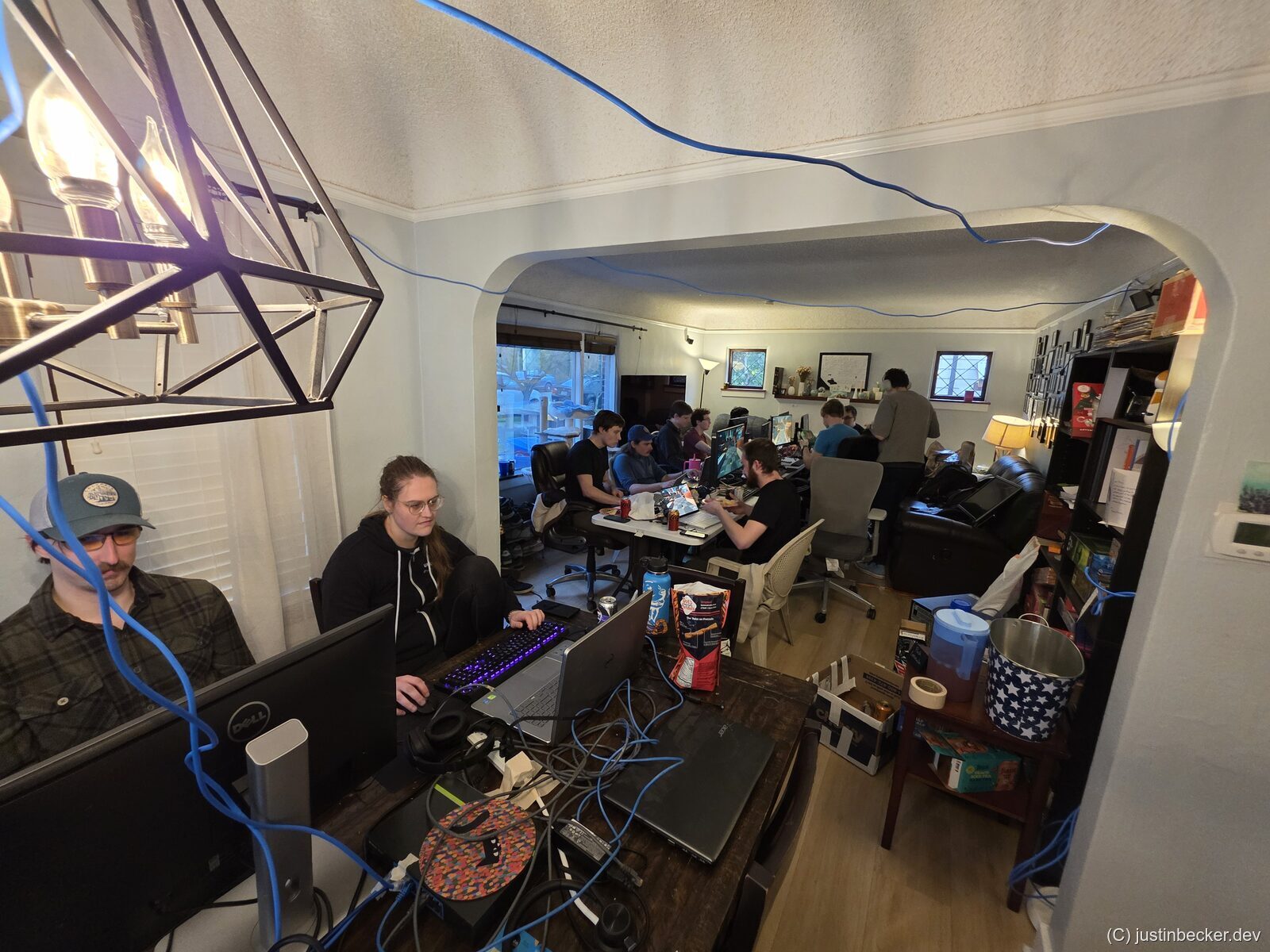
There are a number of alternative solutions to this problem that I won’t go into too much detail about here, including CLI tools like SFTP or SSH, but those are not a great solution if most of your guests aren’t even comfortable typing in IP addresses. Not to mention the fact that almost all my guests are Windows users. I myself am a Windows guy. I always have been. But with that said, I do want to add Linux support to LANBucket at some point in the future. There are other no-configuration file sharing tools that already exist. There’s a handful that do the same sort of local network, zero configuration peer discovery that LANBucket provides. And there’s even D-LAN, which also does a version of distributed file transfers, which LANBucket also provides. I don’t mean any disrespect to the developers of D-LAN but, I found their UI to be somewhat complex and not a good fit for my non-technical users. Its UX abstraction is a bit verbose, and doesn’t provide the sort of low-friction golden path that I wanted.
Results

I’ve successfully beta tested LANBucket at two events now. In both cases what my guests were excited about was just the simplicity. It let us spend more time setting up the games we were playing, and less time dealing with transferring files back and forth. I even observed users doing things like sending little batch scripts and memes to each other. I’ve spent about a year working on LANBucket, including running many automated tests, so I would judge it to be fairly stable at this point. Since LANBucket is fundamentally based on BitTorrent, you may have questions about security. In short my answer is this: it cannot be used over the open internet, only your local network. In my opinion there is not a meaningful security boundary between yourself and your guests. Think about it this way: if someone wanted to spread malware at the LAN, they wouldn’t need to man-in-the-middle LANBucket, when they have physical access to everyone’s machines. Regardless, I only suggest using this tool amongst trusted participants. I also wouldn’t recommend using LANBucket at large public LAN parties for just the same reason; downloading an .exe from a stranger is not wise. I understand that there are ways to verify the digital signatures of executables that you download from an untrusted party, but I think that for a non-technical audience they should exercise caution using this tool with strangers.
If you throw LAN parties, give LANBucket a try. And if you’re like me and have a dozen computers scattered around the house, it works for that too. Grab it at lanbucket.com or from the Microsoft Store.